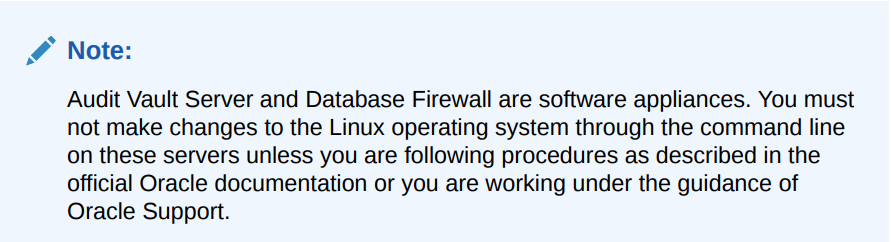
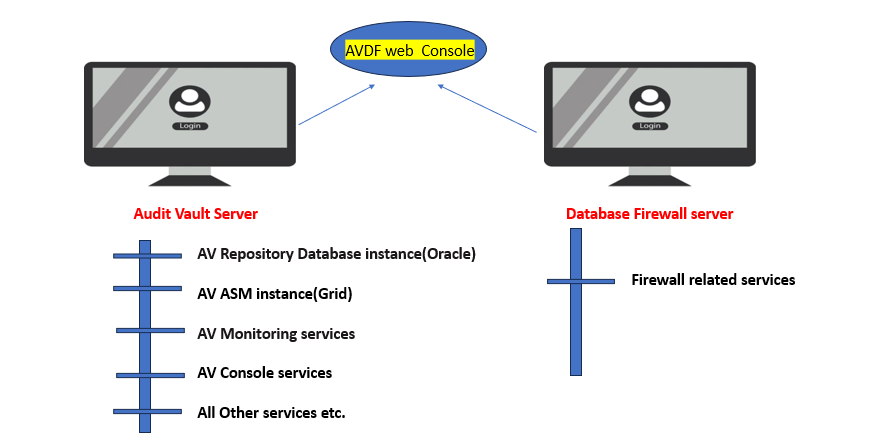
Note:- AVDF is a software appliance so it will auto setup all the services.
Example:-ASM and Database within Audit Vault Server.
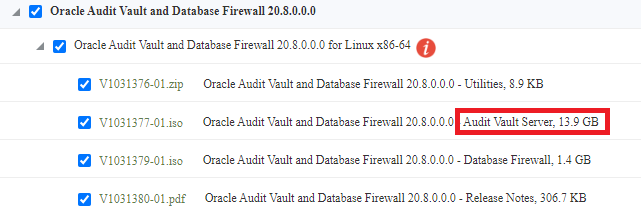
1– Create bootable device using downloaded ISO image for Audit vault.
Below is the example of Audit Vault server ISO
Apologies:-Snaps are blur due to security reasons.
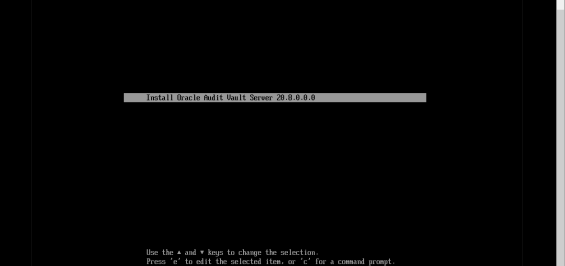
2- Using bootable device, boot or start the server for Audit Vault and follow below steps
Here is the first screen is showing the Audit Vault version . Press ENTER button
3- Let execute all the processes automatically as below snap
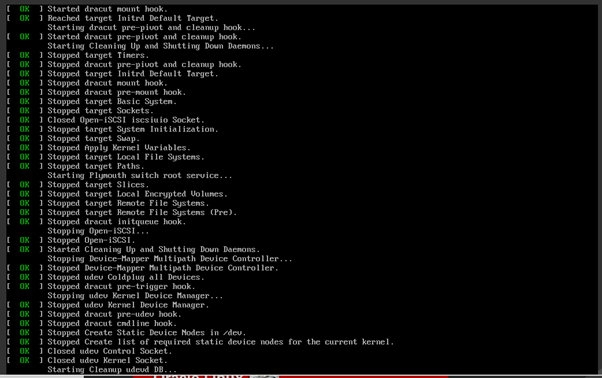
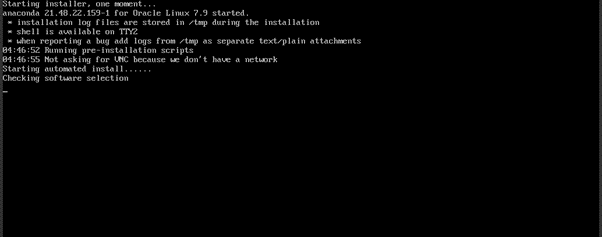
Apologies:-Snaps are blur due to security reasons.
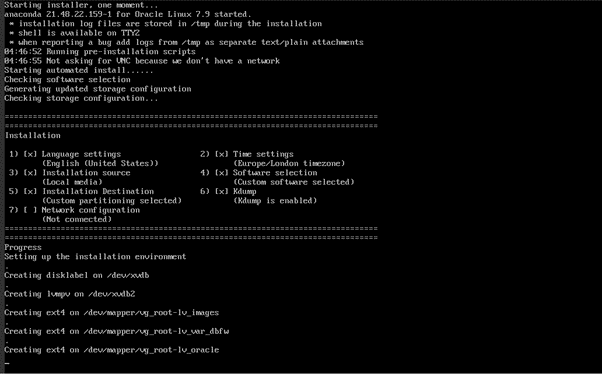
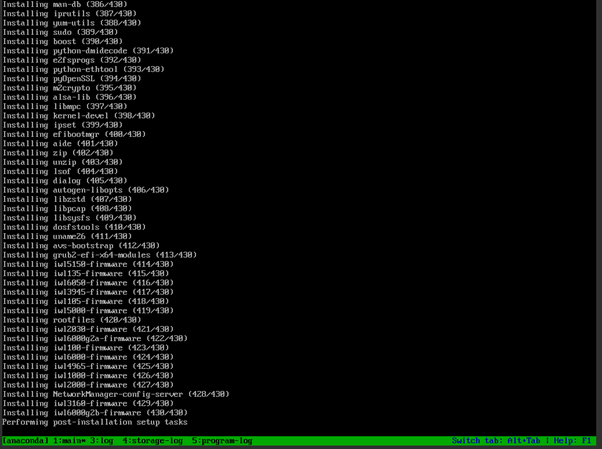
4- Setup the password for root user for Audit Vault Server
Apologies:-Snaps are blur due to security reasons.

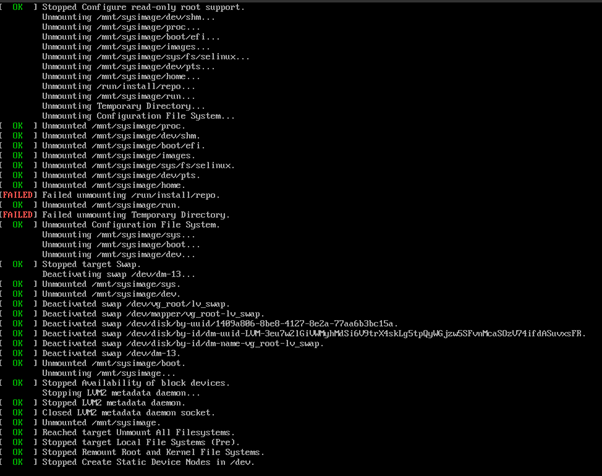
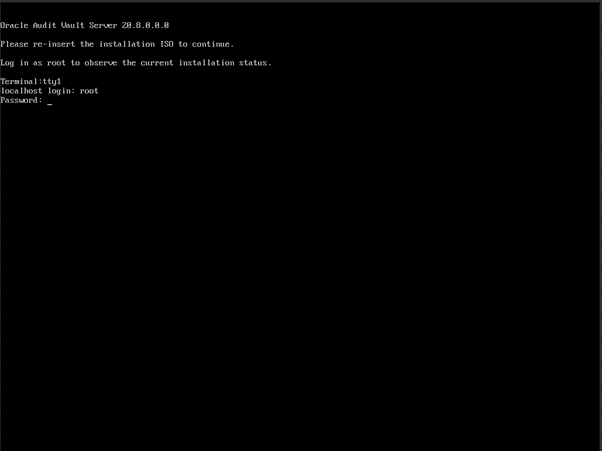
5- Provide the password for root user for Audit Vault Server and let install it.
6- In this step, Provide the IP & Gateway for Audit Vault Server and press the ENTER
Apologies:-Snaps are blur due to security reasons.
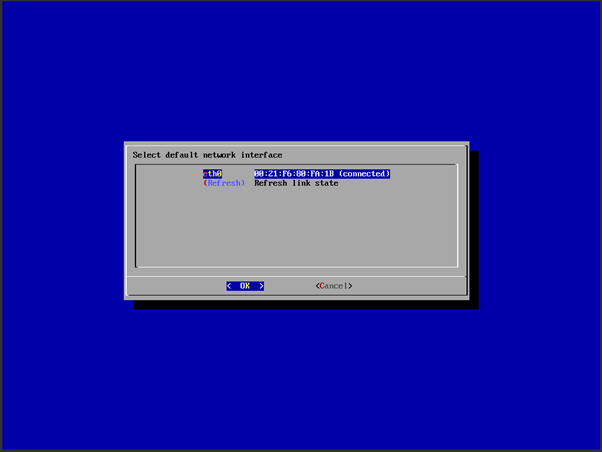
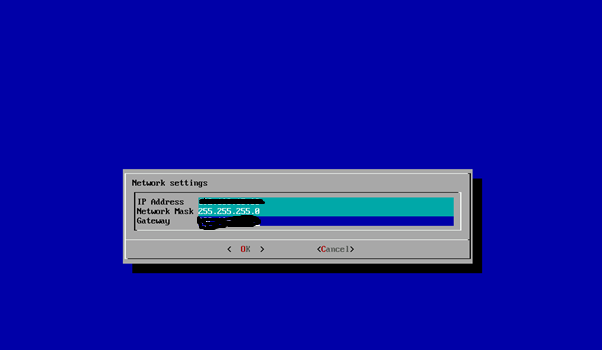
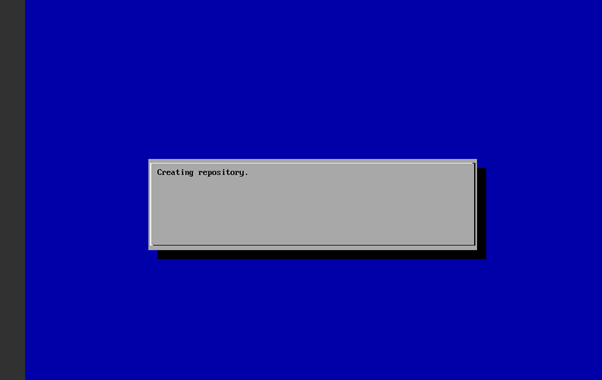
7- Installing Grid and ASM services automatically.
Apologies:-Snaps are blur due to security reasons.
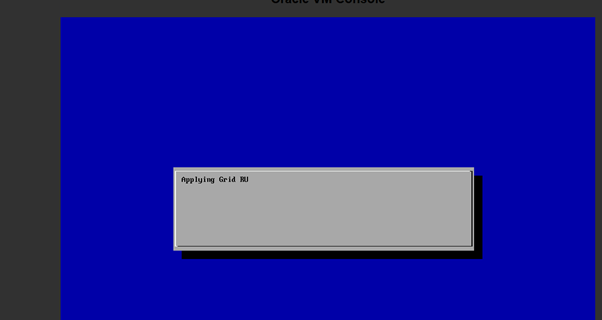
8- Applying Grid RU automatically.
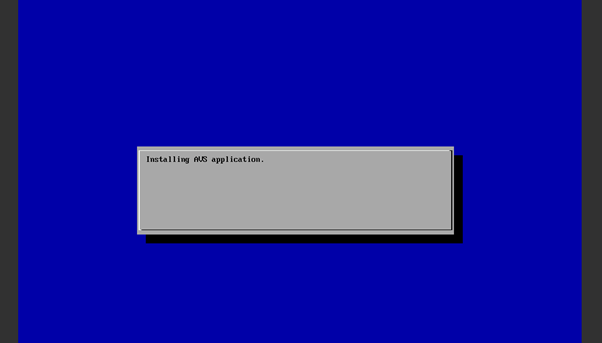
9- On this step, Audit Vault server application installing automatically.
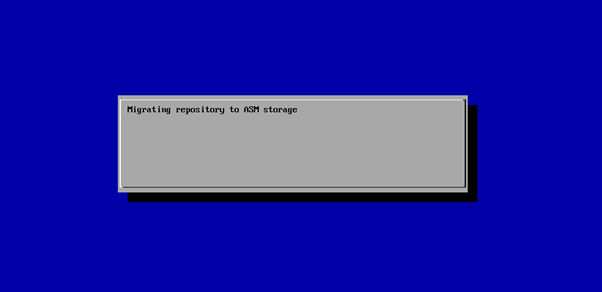
10- Data going to store in ASM diskgroups automatically.
Apologies:-Snaps are blur due to security reasons.
11- This is the last step, where installation of Audit Vault Server completed
Note that web url https://IP from this step
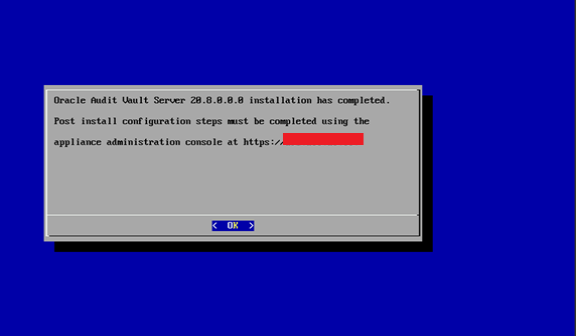
12- Open the web URL and get the GUI console access for Audit Vault and play with this.
Get the web URL from previous step and open with your favorite browser
For example:- https://192.168.2.13

Next -> How to setup the for GUI consoleAudit Vault Server and play with it?

Configure the AVDF with below related articles: –
- What is Oracle AVDF?
- What are the main Components of Oracle AVDF?
- Why we need Oracle AVDF in our organization?
- What are the requirement to install Oracle AVDF?
- How to download software Oracle AVDF 20.7/20.8/20.9/20.10?
- How to install Oracle Audit Vault 20.7/20.8/20.9/20.10?
- How to setup the GUI console for Audit Vault Server?
- Mandatory Post-Install Configuration Tasks of AVDF
- How to install Oracle Database Firewall 20.6/20.7/20.8/20/9/20.10?
- How to Register the Database firewall on AVDF GUI console?
- Configure/Add the Target Databases on AVDF to monitor
- Configure the mail-id to get the Alert or Notification on mail
- Add Audit Data Collection/Capturing for target Database
- How to add Blocking/Proxy port for DB Firewall to use Blocking Mode?
- Create Firewall policy to block User’s IP to access the target Databases
Caution: It is provided for educational purposes only. It has been tested internally, however, we do not guarantee that it will work for you. Ensure that you run it in your test environment before using.
Thank you,
A. Rawat
Email: 88arawat@gmail.com
Pingback:How to Register the Database firewall on AVDF GUI console? – SYS oracle
Pingback:Configure the mail-id to get the Alert or Notification on mail – SYS oracle
Pingback:How to download software Oracle AVDF 20.8 – SYS oracle
Pingback:What are the requirement to install Oracle AVDF – SYS oracle
Pingback:Configure/Add the Target Databases on AVDF to monitor – SYS oracle
Pingback:What is Oracle AVDF – SYS oracle
Pingback:How to setup the GUI console for Audit Vault Server? – SYS oracle
Pingback:Why we need Oracle AVDF in our organization? – SYS oracle
Pingback:What are the main Components of Oracle AVDF ? – SYS oracle
Pingback:Add Audit Data Collection/Capturing for target Database – SYS oracle
Pingback:Secure your Database with Oracle AVDF 20.6/20.7/20.8/20.9/20.10 – SYS oracle
Pingback:Mandatory Post-Install Configuration Tasks of AVDF – SYS oracle
Pingback:Install Oracle Database Firewall 20.6/20.7/20.8/20/9? – SYS oracle
Pingback:How to add Blocking/Proxy port for DB Firewall – SYS oracle